Update 2025-08-23: Thomas Steiner helpfully pointed out that, as of iOS 17.2, Safari copies login cookies to PWAs when they are added to the Home Screen. So that explains how this works on iOS now. Thanks Thomas!
I saw an interesting pattern today when setting up Bluehost email. After I signed in to a new account it gave me a QR code to scan that had a session token embedded in it. It also had a countdown timer that would expire the token after a couple minutes.
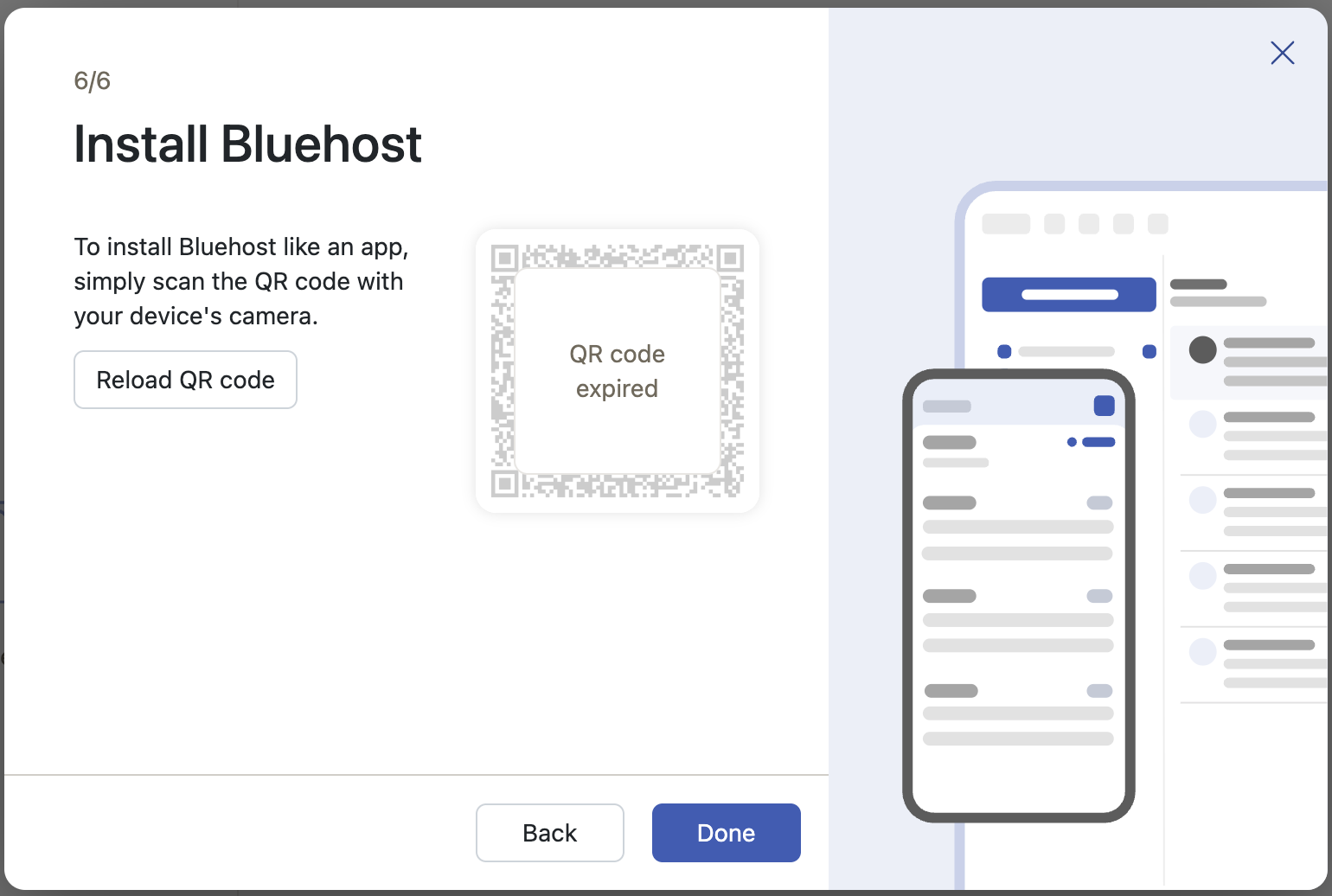
Inspecting that QR code shows the URL it points to:
https://webmail.oxcs.bluehost.com/#pwalogin=true&login_type=redeemToken&appId=qrlogin&token=<token_here>
Opening that on my iPhone launched the web app in Safari and had the PWA install prompt open:
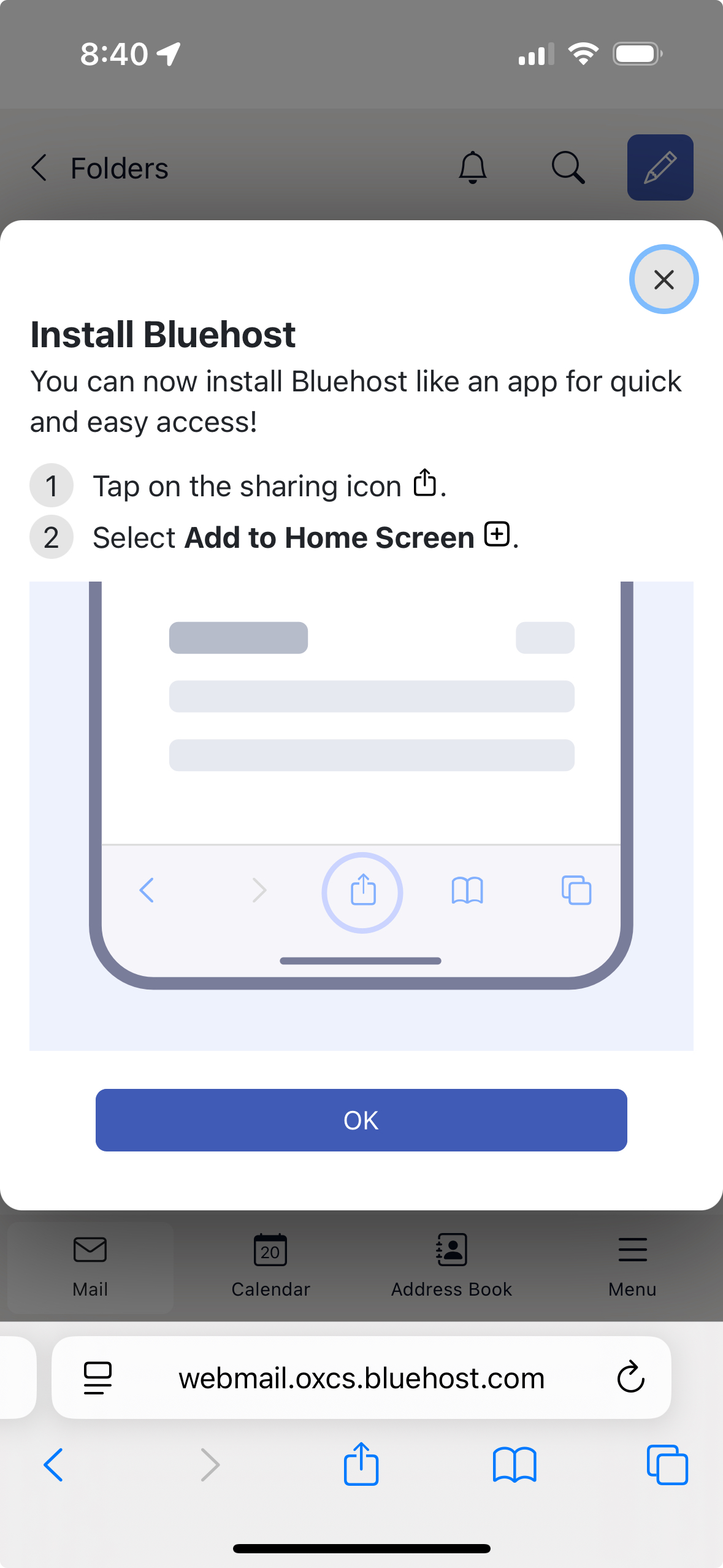
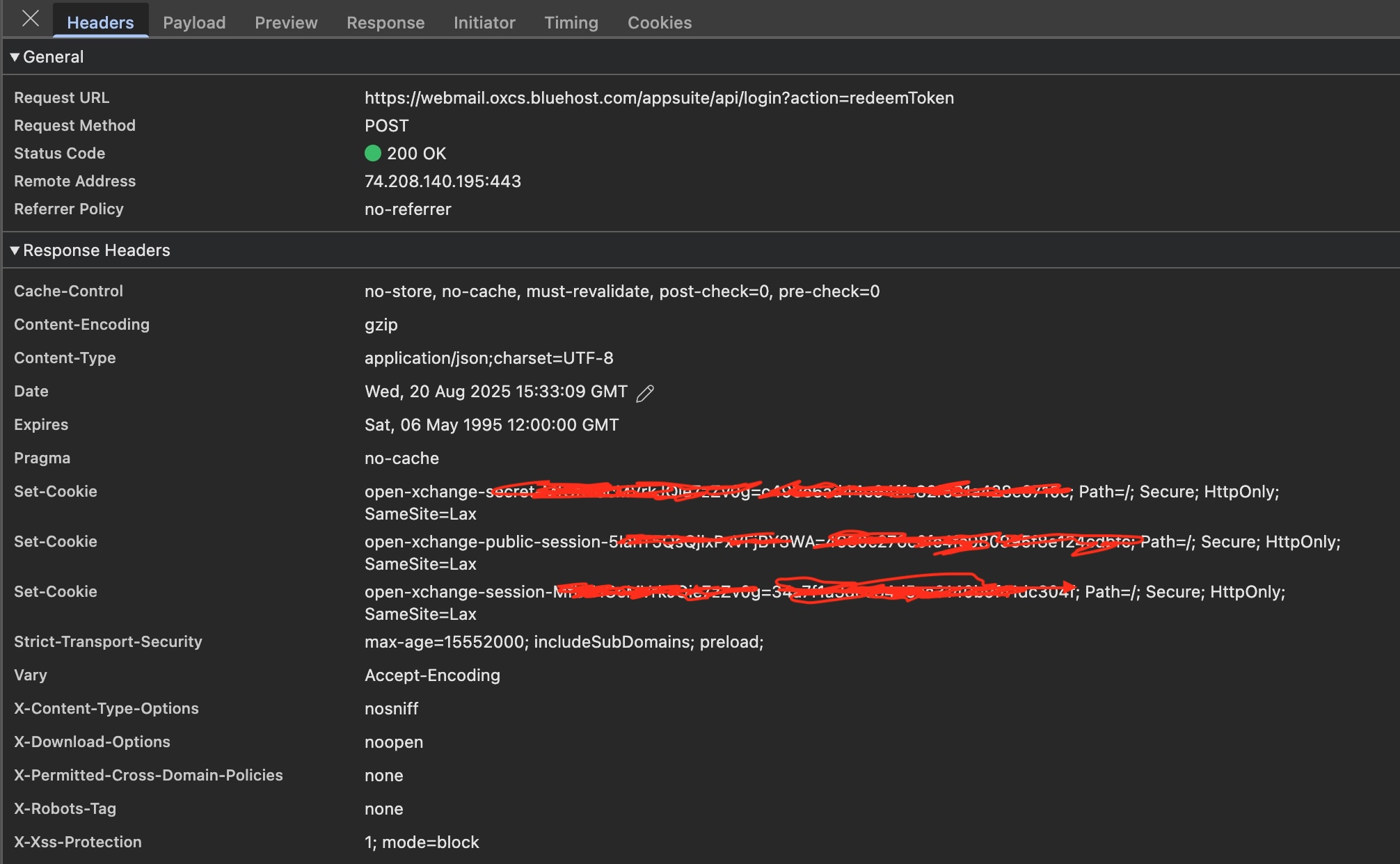
That page is already signed in, which makes sense because the URL has a token to "redeem" in it, and I can see the network call that redeems it and gets back an http-only secure session cookie.
I added it to my home screen and then when I launched it was already logged in! 🤨
How was it already logged in for the PWA? Cookies and storage are not shared between Safari and apps added to home screen, unless that has changed recently.
How are they doing this? The start_url doesn't have the token in it as a query param. Here is the web app manifest:
{
  "name": "Bluehost",
  "short_name": "Bluehost",
  "icons": [
    {
      "src": "/appsuite/themes/default/logo_512.png",
      "type": "image/png",
      "sizes": "512x512",
      "purpose": "any"
    }
  ],
  "theme_color": "white",
  "start_url": "/appsuite/#pwa=true",
  "display": "standalone",
  "background_color": "white",
  "scope": "/appsuite/",
  "id": "/appsuite/#pwa=true",
  "protocol_handlers": [
    {
      "protocol": "mailto",
      "url": "/appsuite/#app=io.ox/mail&mailto=%s"
    }
  ]
}
I just inspected the cookies of the web app in Safari and the PWA and they have the same cookies. So either the server is setting the same cookies (how does it know it's the same device?) or something has changed and iOS now shares cookies between Safari and PWA apps. I might need to build a test web server to find out.
However it's done, I like this pattern from a user experience perspective. The user just "installs" the app and it's already logged in. If I can figure out how they are doing it (and if it's secure), I will use this pattern in my own apps.
Or from the RSS feed
Hopefully you found this post helpful, if you have any questions or comments you can reach me via electronic mail.